
Giving Agents a 'Professional Brain': How to Write Custom Agent Skills Plugins for Antigravity
Last week, a team member asked me for the Nth time: “What’s the authentication flow for this API?”
I opened that dusty Confluence page, only to find the last update was six months ago. Documentation and code were out of sync again. I sighed and started typing that explanation I’d given countless times.
That night, while tinkering with Antigravity, I stumbled upon the Skills system. Simply put, it allows you to implant a “professional brain” into your AI Agent—letting it remember specific knowledge, execute specific workflows, and call specific tools.

I spent two hours writing a Skill for our internal API. The next day, when a new team member asked the same question, I simply typed in Antigravity: “Check the authentication flow for our user service.”
The Agent called my Skill, and thirty seconds later provided an accurate response with code examples. The newcomer nodded and went off to figure it out themselves.
In that moment, I realized: The Skill system isn’t just an extension—it’s reshaping how teams collaborate.
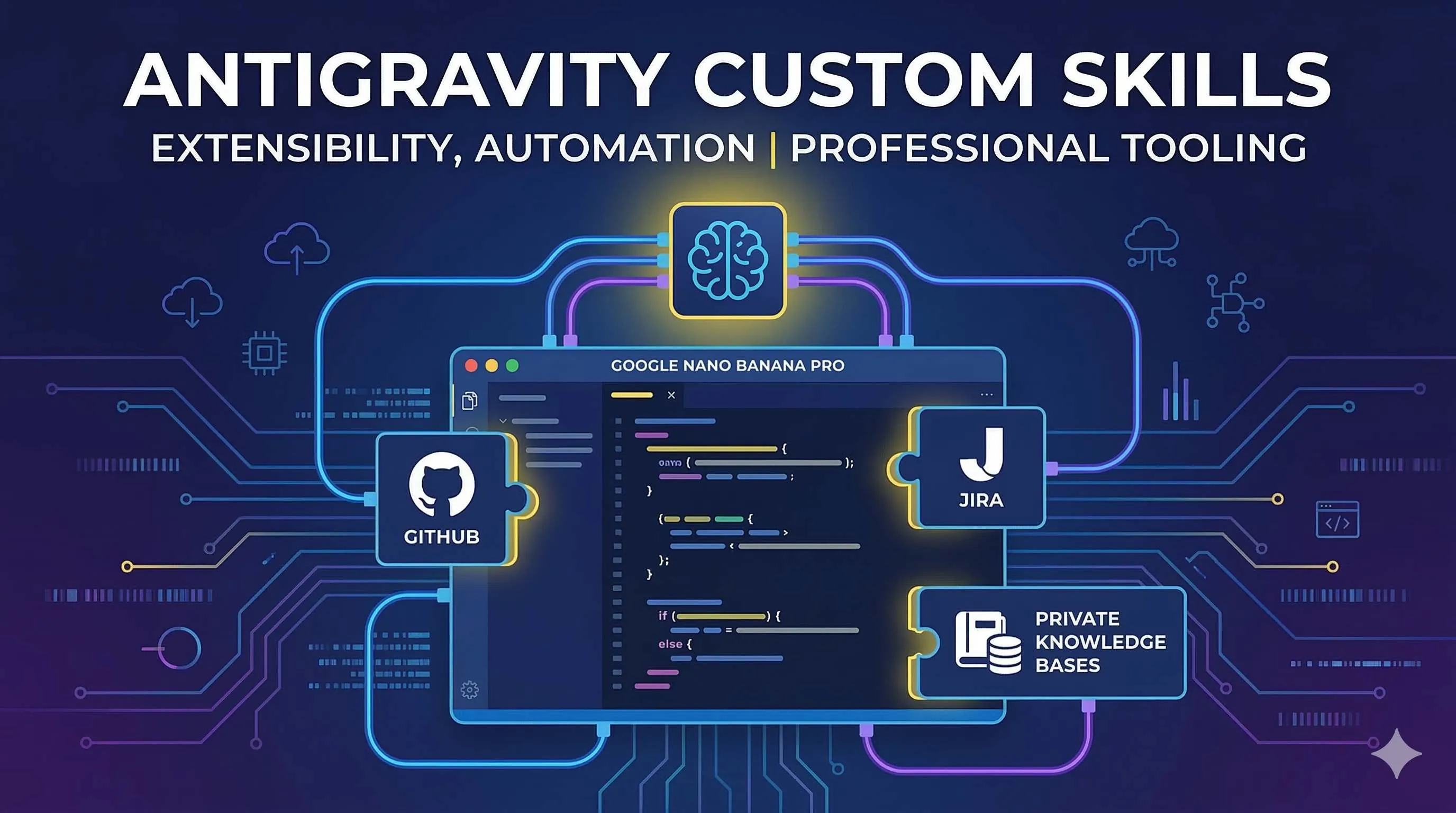
This article is about how to write custom Skills for Antigravity. From basic concepts to real-world cases, including how to integrate external APIs and connect private knowledge bases.
What Are Antigravity Skills
Let’s clarify the concept first.
Antigravity’s Skill system is a lightweight, open extension format. You can think of it as “apps” installed for AI Agents—each Skill defines a set of specific capabilities that make the Agent perform more professionally in certain scenarios.
According to Google Codelabs, Skills are directory-based packages that Agents can reliably parse and execute through a standardized format. A typical Skill contains:
- skill.yaml: Defines Skill metadata, capability descriptions, and usage scenarios
- README.md: Detailed explanation of Skill functionality and usage
- scripts/: Executable scripts (Python, Bash, etc.)
- templates/: Prompt templates or output templates
Skills can be defined in two scopes:
- Global scope (
~/.gemini/antigravity/skills/): Available across projects, like “format JSON,” “general code review” - Project scope (
.agent/skills/): Only available for current project, like “our team’s API standards,” “business-specific code templates”
This layered design is thoughtful—general ones go global, business-specific ones go to the project.
Writing Your First Skill
Alright, time to get hands-on.
Let’s start with a simple example: an automatic Git commit message formatter Skill.
Step 1: Create Directory Structure
mkdir -p ~/.gemini/antigravity/skills/git-commit-formatterStep 2: Write skill.yaml
name: git-commit-formatter
description: Format Git commit messages following Conventional Commits spec
version: 1.0.0
author: your-name
triggers:
  - commit
  - git message
  - format commit
actions:
  - name: format_commit
    description: Format a raw commit message to Conventional Commits format
    input:
      raw_message: string
      type: enum[feat, fix, docs, style, refactor, test, chore]
    output:
      formatted_message: string
This YAML defines the Skill’s basic info, trigger keywords, and input/output formats.
Step 3: Write Execution Script
Create scripts/format_commit.py in the directory:
#!/usr/bin/env python3
import sys
import re

def format_commit(raw_message, commit_type):
    # Parse raw message
    scope_match = re.search(r'\(([^)]+)\)', raw_message)
    scope = f"({scope_match.group(1)})" if scope_match else ""

    # Extract description
    desc = re.sub(r'\([^)]+\):?\s*', '', raw_message).strip()

    # Format
    formatted = f"{commit_type}{scope}: {desc}"
    return formatted

if __name__ == "__main__":
    raw = sys.argv[1]
    ctype = sys.argv[2]
    print(format_commit(raw, ctype))
Step 4: Test
Restart Antigravity and try entering:

“Use git-commit-formatter to format this commit: fixed user login bug”
If everything works, the Agent will call your Skill and output something like: fix(auth): fixed user login bug
Simple, right? That’s the basic skeleton of a Skill.
Integrating External APIs: GitHub + Jira in Practice
Standalone Skills are just toys; the real value comes from Skills that connect to external systems.
Let’s build a Skill that automatically handles Jira tickets.
Scenario: The team spends lots of time daily updating statuses and logging work hours in Jira. Let’s have the Agent help with these repetitive tasks.
Step 1: Prepare API Authentication
You need a Jira API token and domain. It’s recommended to store sensitive info in environment variables:
export JIRA_API_TOKEN="your-token"
export JIRA_DOMAIN="your-domain.atlassian.net"
export JIRA_EMAIL="[email protected]"
Step 2: Write Skill Configuration
name: jira-assistant
description: Automate Jira workflows - search issues, update status, add worklogs
triggers:
  - jira
  - ticket
  - issue
  - worklog
actions:
  - name: search_issues
    description: Search Jira issues by JQL query
  - name: add_worklog
    description: Add time spent to an issue
  - name: transition_issue
    description: Move issue to a different status
Step 3: Write Core Script
#!/usr/bin/env python3
import os
import requests
from base64 import b64encode

class JiraClient:
    def __init__(self):
        self.domain = os.getenv('JIRA_DOMAIN')
        self.email = os.getenv('JIRA_EMAIL')
        self.token = os.getenv('JIRA_API_TOKEN')
        self.auth = self._get_auth()

    def _get_auth(self):
        credentials = f"{self.email}:{self.token}"
        return b64encode(credentials.encode()).decode()

    def search(self, jql):
        url = f"https://{self.domain}/rest/api/2/search"
        headers = {
            "Authorization": f"Basic {self.auth}",
            "Content-Type": "application/json"
        }
        response = requests.get(url, headers=headers, params={"jql": jql})
        return response.json()

    def add_worklog(self, issue_key, time_spent, comment):
        url = f"https://{self.domain}/rest/api/2/issue/{issue_key}/worklog"
        headers = {
            "Authorization": f"Basic {self.auth}",
            "Content-Type": "application/json"
        }
        data = {
            "timeSpent": time_spent,
            "comment": comment
        }
        return requests.post(url, headers=headers, json=data)

# CLI entry point
if __name__ == "__main__":
    import sys
    client = JiraClient()

    if sys.argv[1] == "search":
        result = client.search(sys.argv[2])
        for issue in result.get('issues', []):
            print(f"{issue['key']}: {issue['fields']['summary']}")

    elif sys.argv[1] == "worklog":
        client.add_worklog(sys.argv[2], sys.argv[3], sys.argv[4])
        print(f"Worklog added to {sys.argv[2]}")
Step 4: Usage
Now in Antigravity you can say:
“Check all my In Progress Jira tickets”
“Log 2 hours to PROJ-123, comment ‘completed user module refactor’”
“Change PROJ-456 status to Done”
The Agent will automatically call the Jira API—no need to open that sluggish Jira interface anymore.
GitHub integration is similar, using the PyGithub library or directly calling GitHub API with requests. You can create Skills to automatically create PRs, check CI status, or even do code reviews.
Connecting Private Knowledge Bases: NotebookLM + Antigravity
This is the part that excites me most.
There’s an interesting case on XDA Developers: the author fed project docs to NotebookLM, had it generate technical specifications, then converted those specs into Antigravity Skills. The result was an Agent that could write code based on project documentation.
Implementation approach:

NotebookLM has an export feature that can export conversations as structured documents. We can:
- Create a project knowledge base in NotebookLM (design docs, API specs, architecture decisions)
- Use NotebookLM’s Q&A feature to organize “knowledge summaries”
- Convert these summaries into Skill context or templates
Or more directly, use MCP (Model Context Protocol) to connect NotebookLM to Antigravity.
There’s an open-source project on GitHub called notebooklm-antigravity-skill that implements this integration through the nlm CLI:
name: notebooklm-knowledge
description: Query project knowledge from NotebookLM
triggers:
  - check docs
  - view standards
  - project knowledge
actions:
  - name: query_knowledge
    description: Query NotebookLM for project-specific knowledge
Combined with scripts calling NotebookLM’s API, the Agent can query your private knowledge base in real-time.
Imagine this scenario:
Newcomer: “What’s our project’s error handling standard?”
You: (in Antigravity) “Check error handling standards in NotebookLM”
Agent: “According to project docs, error handling standards are: 1. Use custom exception classes… 2. Logs must include traceback… 3. User-visible errors need internationalization…”
Documentation is no longer尘封(dusty), but becomes the Agent’s “professional brain.”
Advanced Techniques: Combining Rules with Skills
Besides Skills, Antigravity also has a “Rules” system. The combination is even more powerful.
Rules are global or project-level behavioral constraints, like:
# .agent/rules/code-review.md

When doing code review:
1. Check if there's sufficient unit test coverage
2. Confirm no hardcoded sensitive information
3. Verify error handling is comprehensive
4. Check compliance with team's TypeScript standards
Rules define “when and how to do something,” Skills define “specifically how to execute.”
Atlassian developers shared a real-world case in their blog: they defined an app-deployment rule for Antigravity, combined with Jira Skills, to achieve an automated deployment workflow.
When the Agent detects code merged to the main branch:
- Rule triggers: “Execute pre-deployment checks”
- Skill call: Check associated ticket status on Jira
- Skill call: Run test suite
- Skill call: If passed, update Jira status and log deployment
With this组合拳(combo), a process that originally required a dozen manual steps can now be triggered with a single sentence.
Conclusion
After all this, the core message is simple: Skills transform Antigravity from a “general tool” into a “professional assistant.”
General AI can write code, but it doesn’t understand your business. With Skills, you can implant business knowledge, team standards, and internal tools into the Agent, making it truly a member of the team.
I started with my first Git commit formatter; now our team has accumulated over twenty internal Skills. API documentation queries, code standard checks, Jira ticket handling, even newcomer onboarding—these repetitive tasks are gradually being handed over to the Agent.
It’s not that we’re getting lazy; it’s that we can focus our energy on more valuable things. Designing architecture, solving hard problems, creating new products—these are what humans should do. Repetitive knowledge queries and process operations? Let the Agent handle them.
If you want to try it, start with a small pain point. Find that question your team gets asked countless times, or that process you repeat ten times daily, and write a Skill to solve it.
You’ll discover that the Agent isn’t just a tool—it’s an extension of your team.
And Skills are the key to giving it professional capabilities.
FAQ
What are Antigravity Skills, and how do they differ from regular AI Prompts?
**Skills are persistent**: Define once, reuse multiple times; Agents can automatically recognize trigger conditions
**Skills are programmable**: Can contain Python/Shell scripts, call external APIs, implement complex logic
**Skills are shareable**: Can be packaged and shared with team members or open-sourced to the community
Regular Prompts are one-time instructions, while Skills are "capability apps" installed for Agents, making them perform more professionally in specific scenarios.
What technical foundation is needed to write Antigravity Skills?
**Essential skills**:
• Basic YAML syntax (Skill configuration)
• Python or Shell script writing ability
• Understanding of basic API call concepts
**Advanced optional**:
• External API authentication mechanisms (OAuth, API Token, etc.)
• Error handling and logging
• Regular expressions and text processing
The simplest Skill only needs a skill.yaml file. It's recommended to start by imitating official examples, gradually adding complex functionality.
How do you securely manage API keys and other sensitive information?
**Environment variables approach** (recommended):
• Don't hardcode keys in skill.yaml
• Read environment variables via os.getenv() in scripts
• Users need to export and set environment variables before use
**Configuration file approach**:
• Use .gitignore to exclude configuration files
• Provide config.example.yaml template
• Skill reads local configuration file
**Absolutely do not**:
• Write keys directly in Skill scripts
• Submit Skills containing keys to public repositories
Good practice is to document in the README which environment variables need to be configured.
What's the difference between Skills and Rules, and how do they work together?
**Rules**:
• Define "when and how to do something" behavioral guidelines
• Text-based constraints and checklists
• Influence Agent decision-making logic
**Skills**:
• Define "specifically how to execute" execution capabilities
• Contain executable scripts and configurations
• Provide specific tools and capabilities
**Combined usage example**:
• Rule: "Must check test coverage when doing code review"
• Skill: Call test framework to actually run tests and generate reports
Rules make decisions and judgments, Skills do specific execution; together they achieve complete automation workflows.
How do you integrate NotebookLM's knowledge base into Antigravity?
**Method 1: Export conversion method**:
1. Organize project knowledge in NotebookLM
2. Export conversations or summaries as structured documents
3. Convert to Skill templates or context files
4. Agent references these contents when querying
**Method 2: MCP real-time connection method** (requires nlm CLI):
• Install notebooklm-mcp-cli tool
• Configure MCP server to connect to NotebookLM
• Call nlm commands in Skill scripts for real-time queries
• Agent can dynamically obtain latest knowledge
There's an open-source project on GitHub called notebooklm-antigravity-skill that provides reference implementation.
7 min read · Published on: Feb 27, 2026 · Modified on: Mar 18, 2026

Related Posts
OpenClaw 2026.3 Advanced Practice: Core Features and Best Practices

OpenClaw 2026.3 Advanced Practice: Core Features and Best Practices
OpenClaw Practical Guide: From Beginner to Master

OpenClaw Practical Guide: From Beginner to Master
Don't Be a Prisoner of a Single Model: Flexibly Switching Between Gemini 3, Claude 4.5, and GPT-OSS in Antigravity

Comments
Sign in with GitHub to leave a comment