
OpenClaw + Home Assistant: Making Smart Homes Truly Understand Human Language
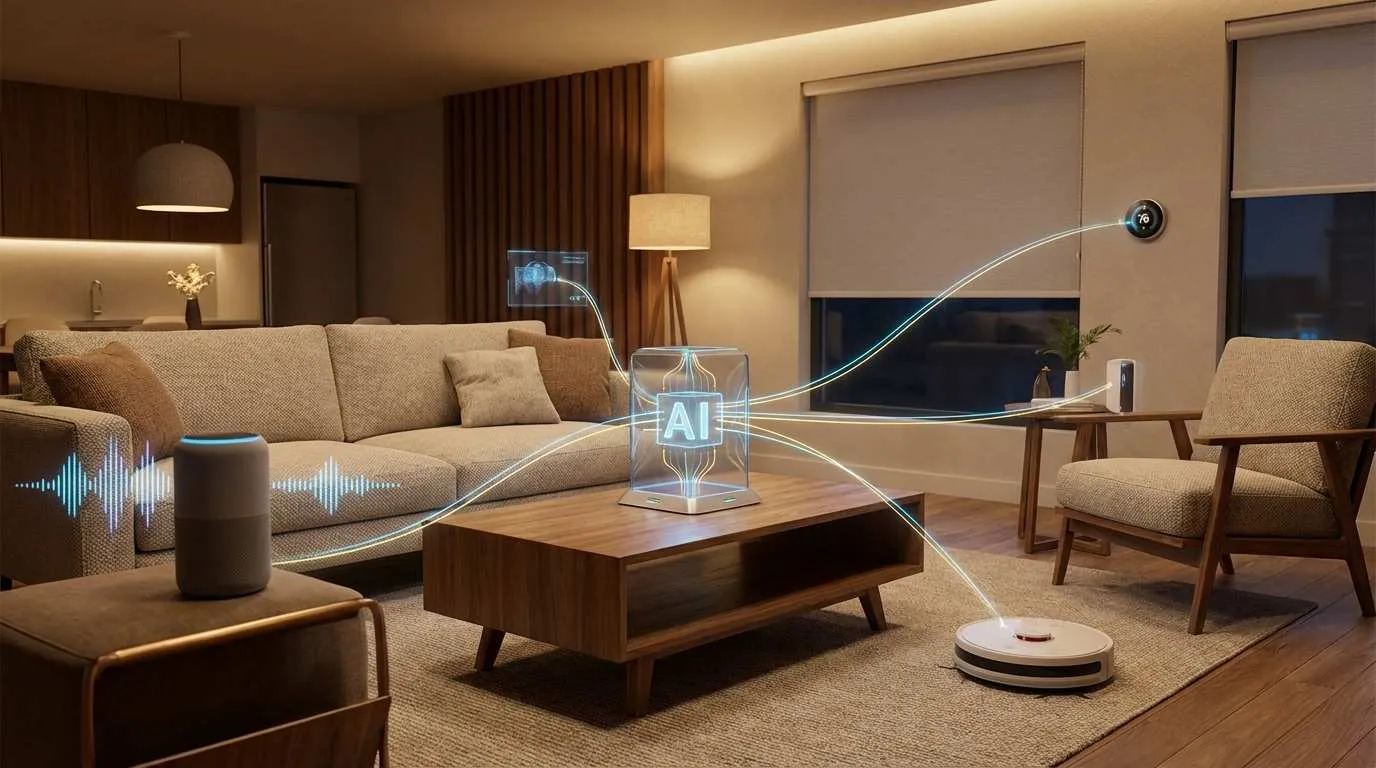
Ever had this experience? It’s 7 AM on a weekend, your alarm goes off, and you want to brighten the bedroom lights, set the temperature to a comfortable 22°C, and open the curtains a bit—but you’re too lazy to get up. So you grab your phone, open several apps, tap around, and by then you’re wide awake.
It’s hard to believe that in 2026, “smart homes” are still this dumb. Until I tried OpenClaw—now I just say “I’m up” to my phone, and everything happens automatically.
This article is about how OpenClaw transformed Home Assistant from a “geek toy” into a “genuinely useful smart home butler.”
What is OpenClaw? An AI Assistant That Actually Does Things
When you first hear about OpenClaw, you might think: “Another chatbot?” Honestly, that’s what I thought too. But after two weeks of use, I realized it’s nothing like ChatGPT or Claude.
To put it simply, OpenClaw is like Home Assistant’s “translator” plus “executive secretary”:
- Translator: You speak human language, it translates to commands Home Assistant understands
- Executive Secretary: Not only understands what you mean, but actually gets things done
How is it Different from Other AI Assistants?
vs Smart Speakers: Those only control devices in their own ecosystem. Want to control Zigbee devices? You’ll need their gateway. OpenClaw is open—connect whatever you want.
vs Home Assistant’s Native Assist: HA’s built-in voice assistant requires manual “intent recognition” configuration in YAML. OpenClaw uses Large Language Models (LLM) directly—much stronger understanding, it gets whatever you say.
vs Cloud-based ChatGPT: I tried getting ChatGPT to control my smart home. It just returned code. OpenClaw directly calls Home Assistant’s API to execute operations, and all data stays local—protecting privacy.
OpenClaw’s Four Core Capabilities
1. Local Operation, Data Stays Home
OpenClaw runs on your own computer or server (supports Mac, Windows, Linux), storing all conversation logs and home status locally. Your home, your rules.
2. Natural Language Understanding
No need to memorize fixed commands. “Dim the living room lights a bit,” “It’s too hot,” “I’m going to bed”—it understands all of this.
3. Context Memory
It remembers what you just said. If you ask “What’s the bedroom temperature?” and it answers “23 degrees,” you can follow up with “Set it to 20,” and it knows you mean the bedroom.
4. Multi-Device Coordination
One sentence handles multiple tasks. “I want to watch a movie” can automatically turn off lights, close curtains, turn on the projector, and adjust speaker volume.
Real Cases: How OpenClaw Changed My Smart Home Experience
Case 1: Morning Routine—One Sentence Starts a Great Day
Every morning, I tell OpenClaw: “Good morning, I’m up.”
Behind this simple sentence, OpenClaw does all this:

- Brightens bedroom lights: Gradually from night light mode to 100% brightness
- Adjusts temperature: Sets AC to 22°C
- Opens curtains: Lets the sunshine in
- Weather report: Tells me what to wear today
- Proactive suggestion: “You have a meeting at 9. Want me to remind you 20 minutes early?”
Traditional solutions require writing scripts with triggers and logic. With OpenClaw, I just tell it once, and it automatically generates and executes this logic.
Case 2: Leaving Home Mode—More Careful Than I Am
Once before leaving home, I told OpenClaw: “I’m heading out, check things for me.”
Its response: “The bedroom window is still open, should I close it? Also, you forgot to turn off the AC last time you left, so I turned it off for you this time.”
This “proactive service” is impossible with traditional automation—OpenClaw uses LLM context to make decisions.
Case 3: Complex Scenarios—Don’t Get Interrupted During Movies
I have a special requirement: when watching movies at night, if someone rings the doorbell, I want the player to pause and living room lights to turn on, but the doorbell shouldn’t sound.
Traditional Home Assistant automation requires complex YAML.
With OpenClaw, I just say: “When watching movies at night, if someone rings the doorbell, pause playback and turn on lights, mute the doorbell.” It automatically generates this rule.
Why OpenClaw is the Best Smart Home Choice for 2026
The AI Agent Era Has Arrived
In 2026, tech has shifted from “large models” to “AI Agents.”
- Chatbot: Only chats, can’t execute
- AI Agent: Understands tasks, plans steps, calls tools, achieves goals
OpenClaw is a typical AI Agent suitable for smart homes.
Local AI Becoming Mainstream
At CES 2026, offline smart home control was a major trend.
Why is local AI important?

- Privacy: Daily routines stay private
- Speed: Low latency local processing
- Reliability: Works offline
OpenClaw support local LLMs (like Ollama) for a fully internal network setup.
Open Ecosystem vs Walled Garden
Unlike closed platforms, OpenClaw based on Home Assistant supports over 2000 device protocols (Zigbee, Matter, Thread).
Quick Start: Configure OpenClaw in 30 Minutes
What You’ll Need
- Computer/Server: Mac, Windows, or Linux (runs 24/7)
- Home Assistant: Active instance
- Basic skills: Copy and paste
Step 1: Install OpenClaw
Download and install OpenClaw. Choose your AI model (Start with cloud models for testing).
Step 2: Install Home Assistant Skill
In OpenClaw chat, type:
Please install the Home Assistant SkillAfter installation, configure:
- Home Assistant URL: e.g.,
http://192.168.1.100:8123 - Long-Lived Access Token: Generate in HA’s “Profile”
Security: Don’t leak this token!
Step 3: First Conversation
Try:
List all light devicesIf successful, try:

Turn on the living room lightAdvanced Usage
1. Custom Scenes: Tell OpenClaw to remember “Movie Mode” settings.
2. Combine Skills: “Remind me to turn off lights at 9 PM”.
3. Voice Control: Integrate Whisper and ElevenLabs for voice interaction.
Privacy & Security: What You Need to Know
Where is Data Stored?
All data is stored locally in ~/.openclaw/data.db. You can view or delete it anytime.
How to Ensure Security?
- Don’t Expose to Public Internet: Use VPN/WireGuard.
- Update Regularly: Patch vulnerabilities.
- Review Rules: Check automation logic before confirming.
Future: AI Agents Will Become Smart Homes’ “Brain”
Trends I see:
- Multi-Agent Coordination: Specialized agents working together.
- Embodied Intelligence: Integration with robots.
- Proactive Service: AI acting without commands.
If You Want to Try…
If you use Home Assistant, I genuinely recommend trying OpenClaw.
Suggestions:
- Test with Cloud Models: Ensure it works before investing in hardware.
- Start Simple: Lights, temperature.
- Expand Gradually: Add complex rules later.
Share your experiences in the comments!
References
OpenClaw Smart Home Setup Flow
Connecting OpenClaw to Home Assistant for AI control
⏱️ Estimated time: 30 min
- 1
Step1: Prep
Ready a computer/server for OpenClaw.
Ensure active Home Assistant instance. - 2
Step2: Install
Download OpenClaw.
Choose model (test with Cloud model first). - 3
Step3: Connect HA
Type "Install Home Assistant Skill".
Enter URL and Long-Lived Access Token. - 4
Step4: Test
Try command "List all lights".
Try command "Turn on living room light". - 5
Step5: Advanced
Define scenes (e.g. "Movie Mode").
Set automation reminders.
FAQ
How to connect to Home Assistant?
Configure HA URL and Long-Lived Access Token (from HA profile).
Is data secure?
Recommend VPN for remote access.
Support voice control?
Integrates with Whisper (STT) and ElevenLabs (TTS).
Device not found?
Verify HA Token permissions.
Check network connectivity.
6 min read · Published on: Feb 5, 2026 · Modified on: Mar 23, 2026

Related Posts
Agent Sandbox Guide: A Complete Solution for Safely Running AI Code

Agent Sandbox Guide: A Complete Solution for Safely Running AI Code
AI Coding Tools Landscape 2026: From Copilot to the Agent Era

AI Coding Tools Landscape 2026: From Copilot to the Agent Era
Computer-Use Agent: Let AI Operate Your Computer

Comments
Sign in with GitHub to leave a comment