
LLM Evaluation Framework Comparison: LangSmith vs W&B vs MLflow
Your LangChain app is live, and users say answers are “sometimes weird.” Logs show JSON blobs—you cannot tell whether the prompt, RAG recall, or an agent tool call failed.
LLM apps differ from traditional software: outputs are non-deterministic and chains can run 10 to 100 steps. Logs alone are not enough; you need tracing and evaluation on every call.
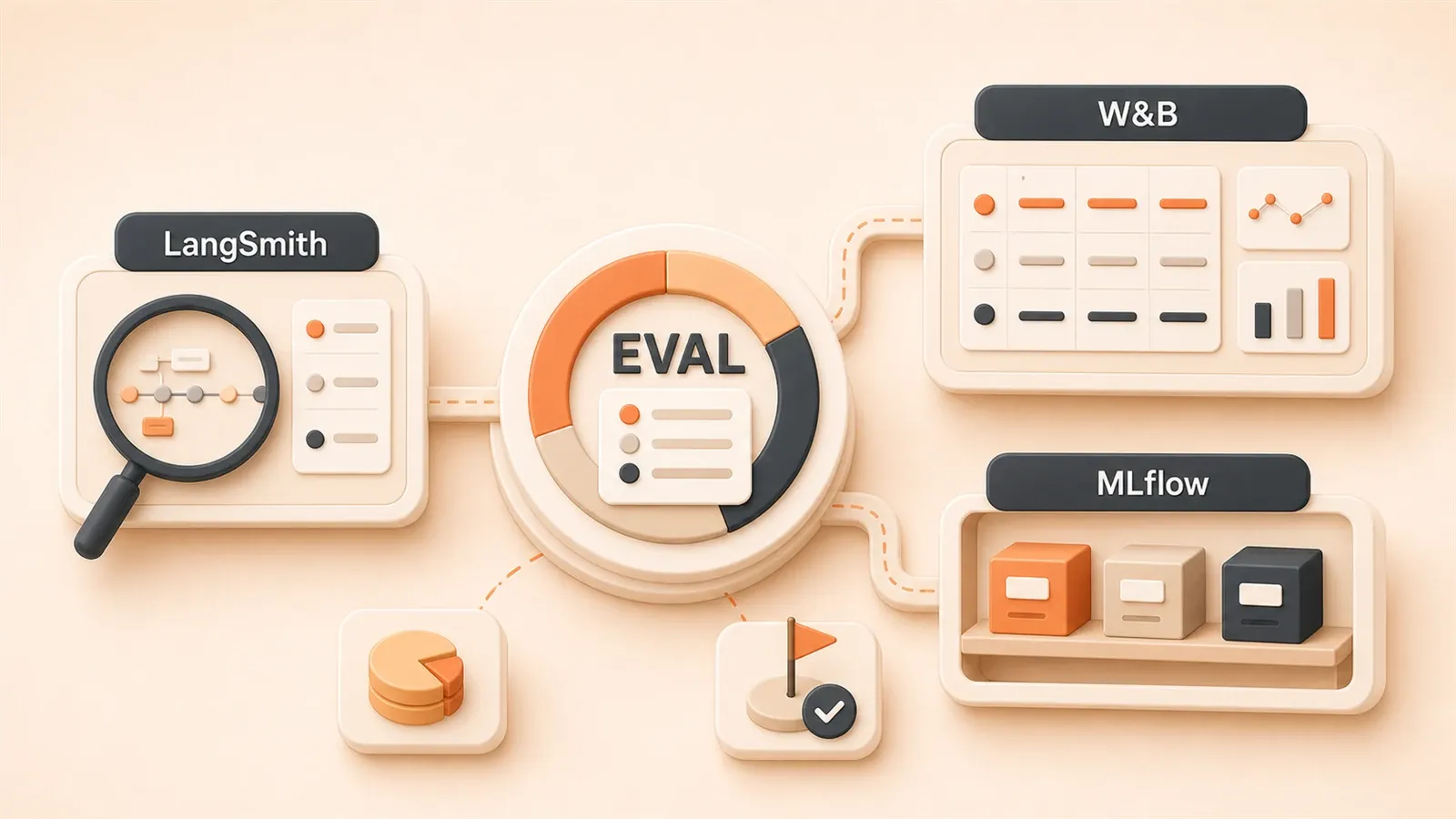
LangSmith, Weights & Biases, and MLflow all market LLM observability. This article compares their positioning, feature gaps, fit by team size, and real total cost—so you can pick the right stack for your budget and toolchain.
LangSmith, W&B, MLflow: Positioning Determines Your Choice
Frankly, the fundamental difference between these three tools isn’t in their feature lists—it’s in their “origins” and “DNA.” Understanding this matters more than comparing features line by line.
LangSmith: The Native Monitoring Platform for the LangChain Ecosystem
LangSmith is born from LangChain—the same parent as LangChain and LangGraph. What does that mean? If you’re building LLM applications with LangChain, LangSmith offers virtually zero-config integration. Install the SDK, add two lines of code, and you’re done.
I used it on an agent project last year. We were using LangGraph for state management, and the agent execution chain was incredibly complex—a single request might call seven or eight tools with conditional branching in between. With LangSmith’s tracing feature, the entire execution graph was crystal clear: which step got stuck, which tool returned an error—it was all visible at a glance.
LangSmith’s core features include:
- Dataset-based evaluations: Upload test datasets and automatically run evaluations
- LLM-as-Judge: Use LLMs like GPT-4 to evaluate output quality
- Tracing: Track every LLM call, tool call, and chain execution
- Playground: Debug prompts online and see effects in real-time
Bottom line: If you use LangChain or LangGraph, LangSmith is the most hassle-free choice. No integration headaches, no documentation deep-dives—just use it.
Weights & Biases: The Veteran of ML Experiment Tracking
Weights & Biases (W&B) has been around much longer than LangSmith. They’ve been doing machine learning experiment tracking since 2018, primarily for research and experimental scenarios. Hyperparameter tuning, comparing performance across dozens of models, recording training curves—these are their strengths.
In 2024, W&B launched Weave, specifically to support LLM application tracing. Weave can trace LLM call chains, calculate token costs, and compare outputs from different prompts.
But honestly, I get the feeling W&B is “wearing new shoes on an old path.” Their LLM features were added later, and the interface still shows traces of traditional ML experiment management—like experiment comparison tables and training curve charts. These are great for research scenarios, but for production LLM monitoring, the experience isn’t as smooth as LangSmith.

W&B’s core features:
- Weave LLM Tracing: Trace LLM call chains
- Experiment Comparison: Horizontally compare parameters and results across dozens of experiments
- Cost Estimation: Calculate token consumption and API costs
- Team Collaboration: Experiment logging, annotations, sharing
Bottom line: If you’re doing extensive experiment comparison and hyperparameter tuning, W&B is the veteran tool. But for production monitoring, the experience falls short of LangSmith.
MLflow: The Flexible Choice for Open-Source MLOps
MLflow was open-sourced by Databricks in 2018, positioned as “an open-source platform for the machine learning lifecycle.” It includes four modules: experiment tracking, model registry, model deployment, and project packaging.
MLflow’s core positioning: You need complete control and don’t want vendor lock-in. It’s open-source and free—you can deploy it on any server, with complete data control.
However, MLflow’s LLM support is relatively weak. It has an mlflow.evaluate() interface with 50+ built-in evaluation metrics, but these are primarily for traditional ML models. LLM-specific capabilities—like multi-turn conversation evaluation and agent execution tracing—aren’t as complete as LangSmith or W&B.
A friend of mine works on an LLM project at a financial company with strict compliance requirements—data cannot leave the internal network. They chose MLflow, deployed it themselves in their data center, with complete data control. The trade-off? High ops costs—they need to maintain servers, databases, storage, and handle upgrades and backups.
MLflow’s core features:
- Experiment Tracking: Record parameters, metrics, model files
- Model Registry: Version management, model packaging
- Model Deployment: Support multiple deployment methods
- 50+ Built-in Evaluation Metrics: Traditional ML + some LLM metrics
Bottom line: If you need open-source and complete control, MLflow is free, but LLM capabilities are weaker—you’ll need to fill in the gaps yourself.
Not Just Tracing: Evaluation, Debugging, and Deployment Capabilities Compared
Looking at positioning isn’t enough—you need to know which one works better in practice. I’ll compare across three dimensions: tracing capabilities, evaluation capabilities, and production deployment capabilities.
Tracing Capabilities: Who Can Explain Execution Chains Clearly
The biggest headache with LLM applications is long execution chains. A single agent call might involve: prompt construction → LLM call → tool execution → result parsing → another LLM call. Any step in between can affect the final output.
| Dimension | LangSmith | W&B Weave | MLflow |
|---|---|---|---|
| LLM-native Tracing | ✅ Native support, designed for LLMs | ✅ Supported, but leans traditional | ⚠️ Generic tracing, weak LLM support |
| Agent Execution Graph | ✅ Visualize entire agent flow | ⚠️ Basic tracing support, weak visualization | ❌ Not supported |
| Multi-turn Conversation Tracing | ✅ Complete record of each turn | ✅ Supported | ⚠️ Needs customization |
| Tool Call Tracing | ✅ Auto-record each tool call | ✅ Supported | ❌ Not supported |
| Execution Time Analysis | ✅ Per-step timing stats | ✅ Supported | ✅ Supported |
Simply put, LangSmith is the professional here—designed specifically for LLM applications, with native support for agent execution graphs and tool call tracing. W&B Weave can also trace, but the experience feels like “adding an LLM module to traditional experiment management.” MLflow is weaker still—it’s primarily for traditional ML, so LLM-specific needs basically require custom code.
Here’s an example. Last year I was debugging a RAG agent where retrieval results were sometimes way off. Using LangSmith’s tracing, I saw the problem was in the embedding model—a vector distance calculation error for a particular query caused completely irrelevant documents to be recalled. If I had to debug this with log files, I’d be scrolling through hundreds of lines of JSON with no clue what went wrong.
Evaluation Capabilities: Who Can Help You Judge Output Quality
Tracing is about “knowing what happened”—evaluation is about “knowing if the result is good.” LLM output uncertainty makes evaluation especially important.
| Dimension | LangSmith | W&B Weave | MLflow |
|---|---|---|---|
| LLM-as-Judge | ✅ Native support, multiple models available | ⚠️ Needs configuration | ⚠️ Needs customization |
| Dataset Management | ✅ Upload datasets, batch evaluation | ✅ Supported | ✅ Supported |
| Multi-turn Conversation Evaluation | ✅ Specifically for conversation scenarios | ⚠️ Needs customization | ❌ Not supported |
| Output Comparison | ✅ Multi-version output comparison | ✅ Strength, horizontal comparison | ⚠️ Needs manual configuration |
| Built-in Evaluation Metrics | 10+ LLM-specific metrics | 5-10 LLM-related metrics | 50+ traditional ML metrics |
LangSmith’s LLM-as-Judge is very useful—you can use GPT-4 or Claude to evaluate your model’s output quality. For example: “Is the answer accurate?” “Is it harmful?” “Is it concise?” These evaluation criteria can be customized and saved as reusable templates.
W&B’s output comparison is a strength. If you need to compare outputs from 20 different prompts, W&B’s table view is very intuitive: horizontally view each prompt’s output, vertically view evaluation metrics. This is an advantage W&B inherited from traditional ML experiment management.
MLflow has the most built-in metrics—50+. But these metrics are primarily for traditional ML models (accuracy, F1, AUC, etc.). LLM-specific metrics (like semantic similarity, harmfulness detection) need custom code implementation.

Production Deployment Capabilities: Who Can Support Your Live Operations
Research phase and production operation have different needs. Research focuses on “experiment comparison”—production focuses on “monitoring and alerting.”
| Dimension | LangSmith | W&B Weave | MLflow |
|---|---|---|---|
| Monitoring & Alerting | ✅ Supports error rate, latency alerts | ⚠️ Mainly for experiments, weak production monitoring | ⚠️ Needs Grafana integration |
| A/B Testing | ✅ Supports different version comparison | ⚠️ Experiment comparison, not production A/B | ❌ Not supported |
| Integration Difficulty | ✅ LangChain zero-config | ⚠️ Needs manual integration | ⚠️ Needs self-deployment |
| **Production Stability” | ✅ Cloud service, high availability | ✅ Cloud service | ⚠️ Self-ops |
LangSmith has the best production deployment experience. It’s a cloud service—you don’t worry about server downtime or data backups. Monitoring, alerting, A/B testing, error tracing—the whole workflow is smooth.
W&B is primarily for the research phase. Its experiment comparison feature is great, but production monitoring—like real-time alerting and error tracing—isn’t as complete as LangSmith.
MLflow requires you to handle operations yourself. This means managing servers, databases, backups, upgrades. The benefit is complete autonomy; the downside is high ops costs. Production environments can use an MLflow + Grafana combo: MLflow for experiment recording, Grafana for monitoring and alerting.
Pricing Is Just the Surface—Real TCO Is the Decision Key
Many people look at pricing tables, see MLflow is free and LangSmith charges, and choose MLflow. That’s too simplistic. Real cost (TCO) isn’t just numbers on a pricing table—it includes operations labor, integration costs, and opportunity costs.
Pricing Comparison Table
| Tool | Pricing Model | Free Tier | Typical Monthly Cost (5-person team) |
|---|---|---|---|
| LangSmith | Per Seat + Traces | 5,000 traces/month free | Plus: $39/seat, small team ~$120-200/month |
| W&B | Multi-tier: Free/Team/Enterprise | Personal free, team paid | Team ~$50/seat, mid-sized team $500+/month |
| MLflow | Completely open-source free | Unlimited | Infrastructure costs: $100-300/month (server + storage) |
LangSmith’s pricing is relatively clear. The free tier offers 5,000 traces per month—enough for individual developers. The Plus tier is $39 per seat, so a 5-person team costs about $120-200/month (depending on trace usage). Enterprise requires contacting sales for custom pricing.
W&B’s pricing is more complex. Personal is free, Team is about $50/seat, and Enterprise pricing requires negotiation. Plus, W&B’s billing isn’t just per seat—it also includes experiment storage and data storage. A mid-sized team (10-20 people) can easily exceed $500/month.
MLflow appears free on the surface, but you need to deploy it yourself. Server, database, storage, bandwidth—all cost money. A simple estimate: one cloud server (2 cores, 4GB RAM) costs $50-100/month, storage (100GB) $20-50, bandwidth $30-50. Total: $100-200/month. For high availability (multiple servers + load balancer), costs double.
Hidden Costs: The Parts You Didn’t Consider
Looking only at pricing tables, you might think MLflow saves the most money. But there are several hidden costs:
MLflow Operations Costs: Servers need maintenance, software needs upgrades, backups need to be done, failures need troubleshooting. All require labor. If your team doesn’t have dedicated ops engineers, developers have to spend time on MLflow. Time is also cost—a developer earning 20K/month, spending 4 hours/week on MLflow maintenance, costs about 2K/month. That’s not counting troubleshooting time.
Marginal Costs After Exceeding Free Tier: LangSmith gives 5,000 free traces, but if your application makes 500 LLM calls per day, that’s 15,000 traces per month—exceeding the free tier. The Plus tier charges by traces, with extra costs for overages. This needs advance estimation.
Integration Costs: LangSmith integrates with LangChain easily, but if your tech stack is LlamaIndex or pure Python calling OpenAI API, integration difficulty increases. W&B and MLflow both require code-based integration—not zero-config.
Real Cost Calculation Example
Assume a 5-person team, 10,000 traces per month:
| Tool | Pricing Cost | Operations Cost | Integration Cost (One-time) | Monthly Real Cost |
|---|---|---|---|---|
| LangSmith Plus | $200 | $0 (cloud service) | $0 (zero-config) | $200 |
| W&B Team | $250 | $0 (cloud service) | $500 (2 days integration) | $250 + one-time $500 |
| MLflow Self-hosted | $0 | $150 (server) + $400 (ops labor) | $1,000 (3 days integration + deployment) | $550 + one-time $1,000 |
Calculated this way, MLflow isn’t necessarily cheaper. If your team has strong ops capabilities and existing infrastructure, MLflow can save money. But if your team focuses on development and doesn’t want to spend time on ops, commercial tools (LangSmith or W&B) might be more cost-effective.

The key question: How much is your team’s time worth? Developers spending a week deploying MLflow—does that yield other value? If the answer is “not worth it,” stop worrying about free—paid tools might be the better choice.
Based on Your Situation, Here’s How to Choose
After all this, which one should you pick? I’ll give you a decision process—evaluate in order:
Decision Process
Step 1: Are you using LangChain or LangGraph?
- Yes → Choose LangSmith directly. Zero-config integration, saves effort and worry.
- No → Continue to Step 2.
Step 2: Do you need fully open-source / no vendor lock-in?
- Yes → Choose the MLflow + Langfuse combo. MLflow for experiment tracking, Langfuse for production monitoring. Both are open-source with complete data autonomy.
- No → Continue to Step 3.
Step 3: What’s your primary work scenario?
- Research phase, extensive experiment comparison → Choose W&B Weave. Its experiment comparison feature is a strength, and hyperparameter tuning is smooth.
- Production environment, need monitoring and alerting → Choose LangSmith or Langfuse. LangSmith is cloud service, Langfuse is open-source and self-hosted.
Step 4: Team size and budget?
- Small team (under 5 people), limited budget → LangSmith free tier (5,000 traces is sufficient) or self-hosted MLflow.
- Mid-sized team (5-20 people), some budget → LangSmith Plus or W&B Teams, monthly cost $200-500.
- Large team (over 20 people), ample budget → Enterprise tier (LangSmith or W&B), or self-hosted high-availability MLflow + Grafana combo.
Recommended Combo Summary
| Scenario | Recommended Combo | Reason |
|---|---|---|
| LangChain users | LangSmith | Zero-config, native integration, most hassle-free |
| Research-focused | **W&B Weave” | Strong experiment comparison, smooth hyperparameter tuning |
| Need open-source control | MLflow + Langfuse | Data autonomy, controllable costs, LLM capabilities filled in |
| Small team, limited budget | LangSmith free tier | 5,000 traces sufficient, try before paying |
| Large enterprise compliance requirements | MLflow self-hosted + Grafana | Data stays in internal network, complete autonomy |
Honestly, there’s no “perfect tool.” Each tool has tradeoffs: LangSmith is convenient but paid, MLflow is free but requires tinkering, W&B is strong for research but weak for production. The key is choosing based on your tech stack, budget, and team situation—not just following what others use.
Conclusion
Monitoring and evaluation for LLM applications isn’t “nice to have”—it’s “production essential.” Without monitoring, you have no idea what’s happening with your application in production; without evaluation, you can’t judge if output quality meets standards.
LangSmith, W&B, and MLflow each have tradeoffs. The key is your tech stack, budget, and needs:
- LangSmith is the choice for LangChain users—zero-config, deep integration, complete features. If you use LangChain or LangGraph, choose it.
- MLflow + Langfuse is the choice for teams needing open-source and complete control—free, autonomous, but requires ops time.
- W&B Weave suits research scenarios with extensive experiment comparison and hyperparameter tuning—traditional advantages remain, but production monitoring experience falls short of LangSmith.
One final piece of advice: Don’t just look at pricing tables—look at real TCO. MLflow is free but requires ops costs; LangSmith is paid but saves development and debugging time. Choosing a tool isn’t just about features—it’s about ROI. How much is your team’s time worth? That question matters more than “which tool is cheaper.”
What tool are you using now? What problems have you encountered? Share your selection experience in the comments.
FAQ
Is LangSmith's free tier of 5,000 traces enough?
What's the approximate ops cost for self-hosted MLflow?
Can I use LangSmith without LangChain?
What's the difference between W&B Weave and LangSmith's LLM tracing?
Which one is recommended for production environments?
How to migrate from an existing monitoring solution?
12 min read · Published on: Apr 28, 2026 · Modified on: Jul 14, 2026

AI Development
If you landed here from search, the fastest way to build context is to jump to the previous or next post in this same series.
Previous
LangChain LCEL in Practice: From Legacy Chains to Streaming Responses - A Modern Paradigm
LCEL restructures LangChain development with the | operator, reducing code by 70% and adding automatic streaming support. Deep dive into Pipe mechanics, Runnable interface, and streaming with a practical migration guide.
Part 4 of 9
Next
Self-Evolving AI: Key Technical Paths for Continuous Model Learning
Deep dive into the four technical paths of self-evolving AI: model-level evolution, context evolution, meta-learning, and architecture evolution, exploring AI's journey from static knowledge to dynamic growth
Part 6 of 9


Comments
Sign in with GitHub to leave a comment