
Why Prompt Caching Is Not Saving Money: Troubleshoot AI Coding Agents with prompt-cache-skills
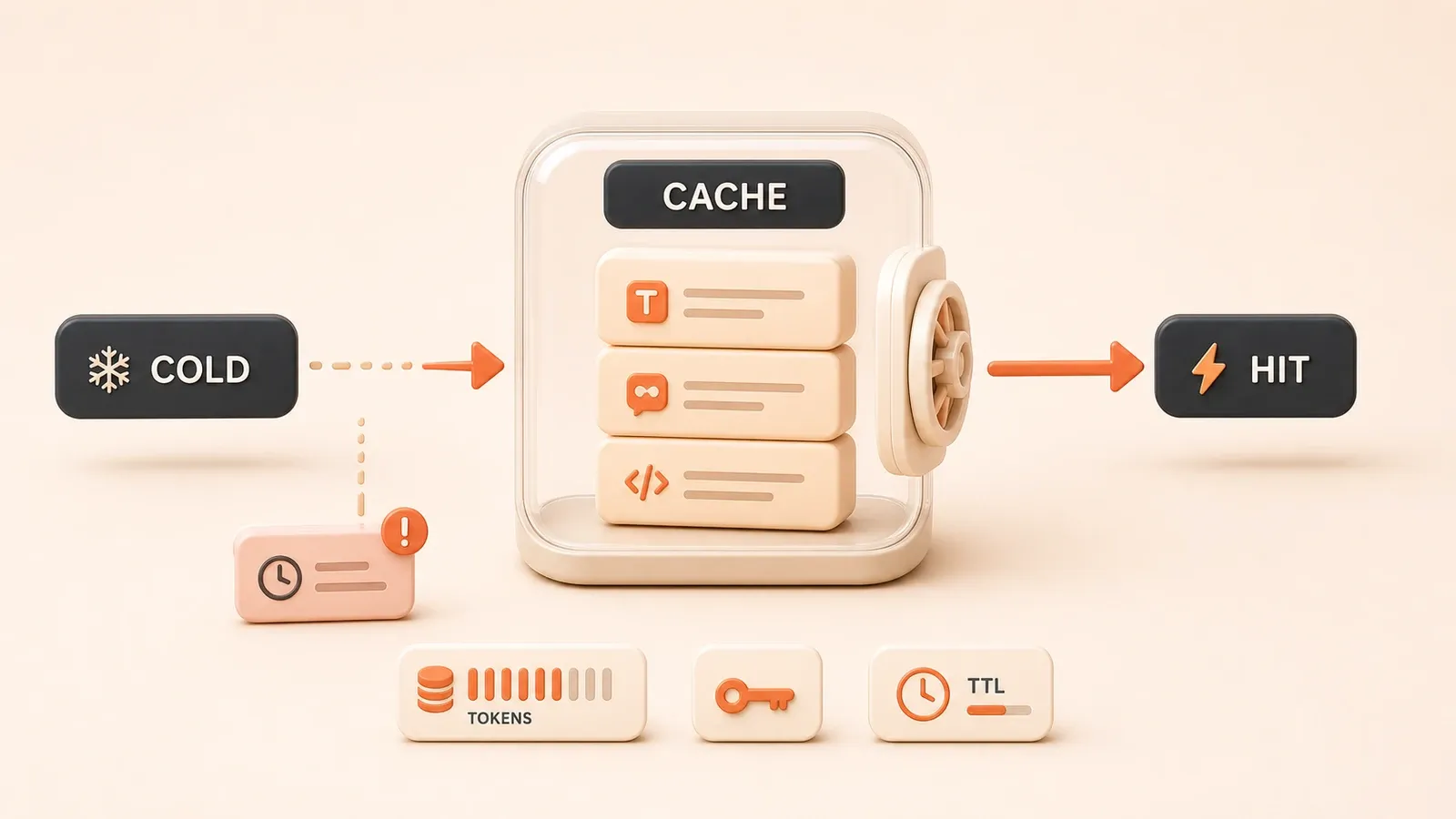
"The prompt-cache-skills repository organizes caching fixes by agent harness and requires each applied diff to be verified against real cache-usage fields."
Your monthly Claude Code or Cline bill may be 30% to 50% higher than it needs to be. The problem may not be heavy usage. Prompt caching may simply not be working.
Many AI coding agents enable prompt caching by default, yet one small configuration change can invalidate the entire cached prefix: a timestamp inside the system prompt, an incorrectly calculated cache key, a disabled caching switch, or a TTL that is too short. None of these problems necessarily produces an error. Your bill does not explain the failure either; the API cost just stays high.
prompt-cache-skills is a drop-in skill library for fixing these silent caching failures. In suitable workloads, it can raise the cache hit rate from almost zero to 80% or more. The sections below explain the billing mechanics, the four main failure modes, typical fixes from the library, and a practical verification method.
How Prompt Caching Saves Money
The economics are straightforward: a stable prefix can be cached, and reusing it costs much less than processing ordinary input tokens again.
API providers use different billing field names, but the principle is the same:
| Billing type | Billing behavior | Suitable workload | Example provider |
|---|---|---|---|
| cache_creation_input_tokens | Creates the cache on the first request and often costs more than regular input tokens | First request with a long prefix | Anthropic |
| cache_read_input_tokens | Reads a cache hit at a much lower rate, roughly 10% of ordinary input cost | Repeated use of a stable prefix | Anthropic |
| Regular input tokens | Charged at the normal rate | Short requests or frequently changing prefixes | All providers |
| cached_tokens (OpenAI) | Reduces the charge for cached input by roughly 50% | Repeated use of a stable prefix | OpenAI |
| cached content (Gemini) | Charges based on how long cached content is stored | Long-context workloads | Google Gemini |
For example, suppose an Anthropic system prompt contains 2,000 tokens and the same agent reuses it 100 times a day. When the cache hits, those 2,000 tokens are billed as cache reads at roughly 10% of the ordinary input rate. That part of the input cost can fall by about 90%.
Caching works only when the prefix remains stable and is reused. If the system prompt changes on every request because it contains a timestamp or random ID, the prefix has to be cached again. Repeated cache creation can cost more than sending ordinary input.
Why Your Agent Cache Keeps Missing
These failures do not necessarily raise an error. You see the bill, but not the source of the wasted spend:
-
Volatile messages break the prefix. A timestamp, random ID, or any value that changes on every request appears inside the system-prompt prefix, invalidating the whole cached prefix. This is the most common failure.
-
The cache key is missing or wrong. Some agent tools do not mark the content correctly, or they calculate a custom cache key incorrectly. The prefix remains stable, but the API cannot recognize it as reusable cached content.
-
Caching is off by default. Some agent tools require you to enable prompt caching explicitly. You may assume the agent handles it, while every request continues to use regular input billing.
-
The TTL is too short. A cache may expire after one hour even though the interval between your requests is longer. By the next request, the cached content is already gone.
The exact symptom depends on the agent. The prompt-cache-skills README groups symptoms by tool. If one of these failures looks familiar, compare your setup with the corresponding SKILL.md before changing anything.

What Is prompt-cache-skills?
prompt-cache-skills is a set of drop-in skills that an AI coding agent can read and apply:
| Dimension | Details |
|---|---|
| Positioning | Drop-in repair skills that an AI coding agent can read and apply |
| Goal | Raise a broken or partial cache hit rate to 80%–99% in suitable workloads |
| Relevant agents | Claude Code, Codex, Cline, Cursor, Devin, Gemini CLI, OpenCode, Aider, Continue, Roo Code, and others |
| Repository | https://github.com/OnlyTerp/prompt-cache-skills |
| Workflow | Point the agent to the repository → let it apply matching skills → verify cache hits, or patch the skills/ changes manually |
| Time saved | Avoid researching every provider’s prompt-caching details from scratch |
The project currently has about 99 stars. The skill list and names may change, so use the repository README as the current reference.
Compared with troubleshooting everything manually, the library saves you from reading every provider’s caching documentation, comparing agent-specific configuration, and guessing which field destabilizes the prefix. Each skill identifies a concrete failure, provides the relevant diff, and includes verification steps.
How to Fix Your Agent with prompt-cache-skills
You can ask the agent to apply the fix or make the changes manually.
Option 1: Let the Agent Apply the Fix (Recommended)
First, point the agent at the repository. Send this instruction to your AI coding agent:
Read https://github.com/OnlyTerp/prompt-cache-skills and apply every skill in skills/ that matches the harness I currently use: confirm the target → land the diff → verify it according to SKILL.mdSecond, the agent identifies the current tool, such as Cline, Continue, or Aider, and lists the matching skills. Each skill should name the failure it addresses.
Third, review the diff. Every skill directory contains a SKILL.md that explains the target and the exact change. Read it carefully and confirm that the change is safe for your setup.
Fourth, apply the change. After approval, let the agent land the diff in your local or project configuration. Back up the original configuration first.
Fifth, verify the hit. Use tools/check_cache.py to confirm that caching works. The detailed procedure appears in “How to Verify a Real Cache Hit.”
Option 2: Apply the Fix Manually
If you do not want an agent to edit the configuration, apply the fix yourself.
First, open the repository: https://github.com/OnlyTerp/prompt-cache-skills
Second, browse the skills/ directory and find the skill for your tool, such as cline-fix-volatile-msg or continue-enable-defaults.
Third, read SKILL.md. Each skill describes its target, symptom, fix, and verification method.
Fourth, modify the configuration according to the instructions.

Fifth, use tools/check_cache.py to verify the cache hit.
Safety Note
Letting an agent land a diff means it will change local or project configuration. Read the SKILL.md and understand every modification before approving it. Back up the original configuration before the agent makes changes.
Typical Fixes in the Skill Library
Every skill in the repository is a complete repair package with a target agent, symptom, diff, and verification method. These are some representative examples:
| Skill | Target agent | Symptom | Fix |
|---|---|---|---|
| cline-fix-volatile-msg | Cline | The system-prompt prefix includes a timestamp and changes on every request | Remove or stabilize the volatile message |
| cline-openai-cache-key | Cline + OpenAI | The OpenAI cache key is calculated incorrectly | Correct the cache-key generation logic |
| cline-pin-timestamp | Cline | A timestamp invalidates the cache | Pin or remove the timestamp |
| continue-fix-volatile-msg | Continue | The system prompt contains volatile fields | Remove the volatile message |
| continue-enable-defaults | Continue | Prompt caching is disabled by default | Enable caching in the default configuration |
| continue-gemini-explicit | Continue + Gemini | Gemini cache configuration is missing | Set the caching parameters explicitly |
| aider-1h-ttl | Aider | A one-hour cache TTL causes frequent expiration | Extend the TTL or adjust request frequency |
| aider-cache-default-on | Aider | Caching is disabled by default | Enable the default caching switch |
| opencode-detect-openai-compat | OpenCode | Caching fails in OpenAI-compatible mode | Detect and handle OpenAI-compatible APIs correctly |
| opencode-bedrock-doc-blocks | OpenCode + Bedrock | Bedrock document blocks do not cache correctly | Correct the document-block caching strategy |
The list continues to grow and names can change. Check the current README and skills/ directory. If your agent is not listed, use existing SKILL.md files and patches as references for finding a similar caching problem manually.
How to Verify a Real Cache Hit
prompt-cache-skills includes tools/check_cache.py, which sends cold and warm requests and calculates the cache hit rate.
Verification Steps
First, download check_cache.py from:
https://github.com/OnlyTerp/prompt-cache-skills/blob/main/tools/check_cache.py
Second, configure the API credential as an environment variable:
- Anthropic: ANTHROPIC_API_KEY
- OpenAI: OPENAI_API_KEY
- Google Gemini: GOOGLE_API_KEY
Third, run the cold request:
python check_cache.py --provider anthropic --prompt "your system prompt" --message "your user message"Inspect cache_creation_input_tokens:
- A positive value means a cache was created
- Record the input_tokens value
Fourth, wait one second and run the warm request with the exact same prompt and message.
Inspect these fields:
- cache_read_input_tokens: a value greater than 0 means the cache hit
- cache_creation_input_tokens: this should be 0 or absent
- input_tokens: this should drop substantially because cached input is no longer billed as ordinary input
Fifth, calculate the hit rate:

Hit rate = cache_read_input_tokens / (cache_read_input_tokens + input_tokens)
Example:
- Cold request: input_tokens=2000, cache_creation_input_tokens=1800
- Warm request: cache_read_input_tokens=1800, input_tokens=200
- Hit rate = 1800 / (1800 + 200) = 90%
Sixth, decide whether caching works:
- Cache hit: the warm request has cache_read_input_tokens > 0
- Cache miss: the warm request has cache_read_input_tokens = 0 or the field is absent
Metric Reference
- cache_creation_input_tokens: Anthropic’s count of tokens used to create the cache
- cache_read_input_tokens: Anthropic’s count of tokens read from the cache
- cached_tokens: OpenAI’s count of cached input tokens
- input_tokens: ordinary, uncached input tokens
If the warm request still reports cache_read_input_tokens = 0, return to the four failure modes above and check for volatile messages, an incorrect cache key, a disabled default, or an overly short TTL.
When to Use This Skill Library—and When Not To
The library fixes known caching failures, but it does not fit every workload:
| Workload | Recommendation | Reason |
|---|---|---|
| Long system prompt + many similar requests | Recommended | A stable prefix can be reused, so caching has a clear benefit |
| Agent coding tools such as Claude Code and Cline | Recommended | The project targets these tools |
| Monthly bill above $50 | Recommended | The possible savings can justify the troubleshooting effort |
| Existing prompt-caching configuration with uncertain results | Recommended | The verification tool confirms whether caching actually works |
| Short prompt + one request | Not recommended | Cache overhead may exceed the benefit |
| Frequently changing system prompt, including live data | Not recommended | An unstable prefix cannot be reused |
| Request intervals longer than the TTL, such as only a few calls per day | Evaluate first | The cache may expire before it is reused |
| Agent not listed in the repository | Evaluate first | It may require a manual adaptation or a future community skill |
If your monthly bill already exceeds $50 and you use a listed agent, the troubleshooting effort may pay off. If requests are infrequent or the prefix changes constantly, assess the expected reuse before changing the configuration.
Risks and Caveats
Review these tradeoffs before applying the library:
-
The project is still new. It currently has about 99 stars, and skill names and coverage may change. Treat the current repository README as the source of truth.
-
Automatic configuration changes require care. An agent that lands a diff changes local or project files. Read the SKILL.md first and decide whether each change belongs in your setup.
-
Providers expose different billing fields. Anthropic uses cache_creation and cache_read fields, OpenAI exposes cached_tokens, and Gemini uses cached content. Check the current provider documentation for exact names and billing rules.
-
Caching is not universal. One-off short calls and constantly changing prefixes get little value from caching and can even cost more. Do not force caching into every request.
-
The verification tool has limits. check_cache.py is primarily designed around the Anthropic API. Consult the corresponding official documentation when verifying OpenAI or Gemini caching.
-
Hit rates are not guaranteed. The quoted 80%–99% range is the project’s stated target. Actual results depend on prefix length, request frequency, TTL settings, and other workload details.
Next Steps and Related Reading
To reduce AI coding costs further, continue with:
-
Use an AI Gateway for monitoring, caching, and failover — manage multiple providers, add global monitoring, and reduce avoidable cost
-
Prompt engineering techniques that improve AI output — reduce wasted tokens by improving prompts at the source
-
Computer-Use Agent: Let AI Operate Your Computer — understand computer-control agents and improve the workflow
Official resources:
- prompt-cache-skills GitHub repository
- Anthropic prompt caching documentation
- OpenAI prompt caching documentation
- Google Gemini context caching documentation
Troubleshoot and verify prompt caching with prompt-cache-skills
Identify the agent harness, review the fix, and compare cold and warm requests to confirm that the cache is really being used.
- 1
Step 1: Confirm that caching fits the workload
Check that requests contain a long, stable prefix that will be reused. Short prompts, one-off requests, and frequently changing system prompts are poor caching candidates. - 2
Step 2: Match the relevant skill
Find the skill in the prompt-cache-skills directory that matches your current agent harness and model provider. - 3
Step 3: Review the target and diff
Read the corresponding SKILL.md, confirm the target file, scope, risks, and verification method, and back up the original configuration before an agent applies the diff. - 4
Step 4: Apply the smallest fix
Fix the volatile message, cache key, caching switch, or TTL described by the skill without changing unrelated configuration. - 5
Step 5: Run the cold request
Use check_cache.py or the provider's usage fields for the first request and record regular input tokens and cache-creation tokens. - 6
Step 6: Run the warm request and compare
Send the exact same prompt and message again, confirm that cache-read tokens are greater than zero, and calculate the actual hit rate.
FAQ
Which AI coding tools does prompt-cache-skills support?
Will the cache hit rate always exceed 80% after the fix?
How much money can a prompt cache hit save?
Is it safe to let an agent modify the configuration automatically?
What if my agent does not have a matching skill?
10 min read · Published on: Jul 29, 2026 · Modified on: Jul 29, 2026

Prompt Engineering Guide
If you landed here from search, the fastest way to build context is to jump to the previous or next post in this same series.
Previous
Prompt Engineering Template Library: 12 Reusable Prompt Design Patterns
A proven method for building a Prompt template library, including a four-field structure, 12 Prompt Patterns, multi-model adaptation table, and 5 production-ready templates that can be copied and used directly.
Part 4 of 5
Next
This is the latest post in the series so far.


Comments
Sign in with GitHub to leave a comment